

Roblox Beginner Guide: Getting Started Safely
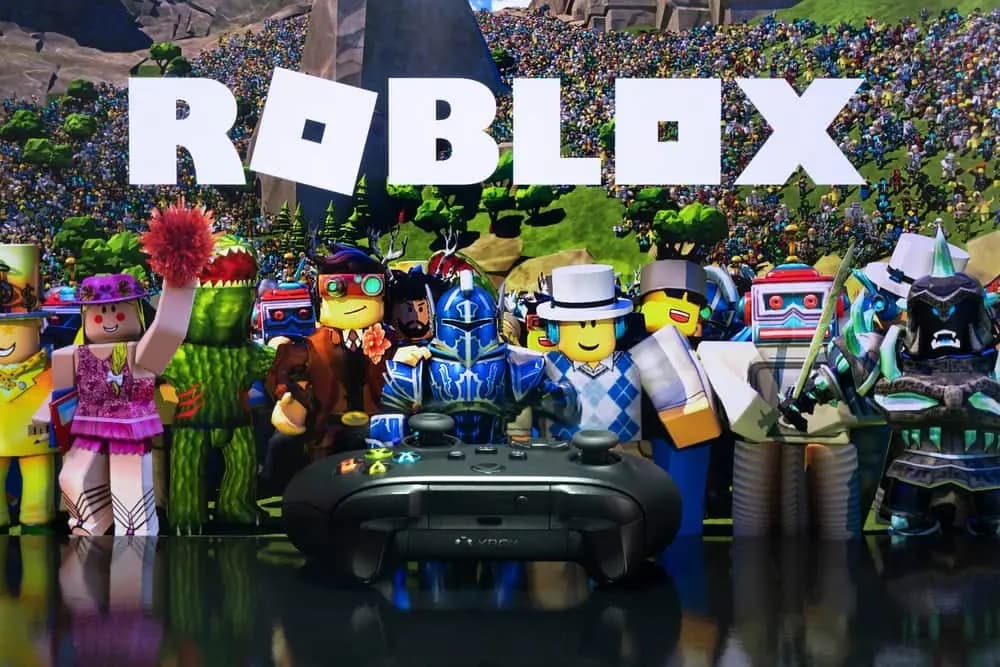
Roblox isn't one game but a platform of millions of experiences made by players. This guide helps new players and parents get started: finding good experiences, setting up the avatar, adding friends safely, using parental controls and understanding what Robux are for.
Contents
- What Roblox is
- Finding good experiences
- Setting up your avatar
- Friends and safety
- Parental controls
- Securing your account
- Making your own experiences
- What Robux are
- Watch out for scams
- Tips for your first week
- Frequent questions
- Is Roblox free?
- Is Roblox safe for children?
- What are experiences in Roblox?
- How do I use a Roblox gift card?
- Roblox gift cards on Mas4Games
Roblox is a platform rather than a single game. Players create their own games, called experiences, and millions of people play them on phones, tablets, computers and consoles. For a new player, or a parent setting up an account for a child, the variety can feel overwhelming. This guide covers the basics: finding experiences, setting up an avatar, playing with friends safely and understanding Robux.
What Roblox is
- Experiences: games made by Roblox creators, from obstacle courses and role-play towns to shooters and puzzle games.
- One account for everything: your avatar, friends and Robux follow you into every experience.
- Free to play: you can play most experiences without paying. Some sell extras inside them.
Finding good experiences
With so much to choose from, a few tips help:
- Start with popular experiences on the home page or charts; they are usually well made and active.
- Read the description and ratings before you play.
- Check the experience's maturity label if you are choosing for a child.
- Try a few genres to find what you enjoy, then follow creators whose games you like.
Setting up your avatar
Your avatar is your character in every experience:
- Free items let you build a look without spending.
- The avatar shop sells clothing, accessories and other items, some for Robux.
- Change it any time in the avatar editor.
There's no need to spend on your avatar to enjoy Roblox.
Friends and safety
Roblox is social, which makes safety important, especially for younger players:
- Add only people you know as friends.
- Never share personal information such as your full name, address, school or passwords.
- Use the block and report tools if someone makes you uncomfortable.
- Remember that nobody from Roblox will ask for your password.
Parental controls
Roblox offers settings for parents to manage a child's account, such as limits on chat, who can contact the child, and spending. Parents can review these in the account's settings and, where available, link their own account to manage a child's. The exact options can change, so check Roblox's own settings and help pages.
Talking with children about online safety matters as much as any setting.
Securing your account
A few settings protect your progress and anything you buy:
- Add an e-mail address and verify it, so you can recover the account.
- Turn on two-step verification in the security settings.
- Use a password you don't use anywhere else.
- Sign out on shared devices, such as a friend's phone or a school computer.
Making your own experiences
Roblox also lets players create. Roblox Studio is the free tool for building experiences, and many popular games started as a hobby project. If you enjoy building or are curious about coding, it is a friendly place to start, with Roblox's own tutorials to guide you.
What Robux are
Robux are Roblox's currency. You can use them for avatar items, game passes inside experiences and other extras, and for a Premium subscription. Read our guide to spending Robux wisely before spending.
Watch out for scams
- "Free Robux" sites and generators are scams. They try to steal accounts or personal details.
- Never give your password to anyone promising Robux or items.
- Don't trade accounts. It breaks the rules and accounts can be lost.
- Gift cards should be redeemed only on Roblox's own redeem page.
Tips for your first week
- Play a handful of popular experiences in different genres.
- Set up your avatar with free items.
- Add friends you know in real life.
- Turn on security options for your account.
- If you are a parent, review parental controls together with your child.
Frequent questions
Is Roblox free?
Yes. You can play most experiences for free; extras can be bought with Robux.
Is Roblox safe for children?
Roblox provides safety tools and parental controls. Using them and talking about online safety makes a big difference.
What are experiences in Roblox?
Games made by Roblox creators that you can play with your Roblox account.
How do I use a Roblox gift card?
Redeem it on Roblox's own redeem page while signed in to your account.
Roblox gift cards on Mas4Games
Mas4Games sells Roblox gift cards as codes that you redeem on Roblox's own redeem page. The code is shown on your order's page and sent by e-mail, and the help center has live support.