

What to Buy With Robux: How to Spend It Wisely
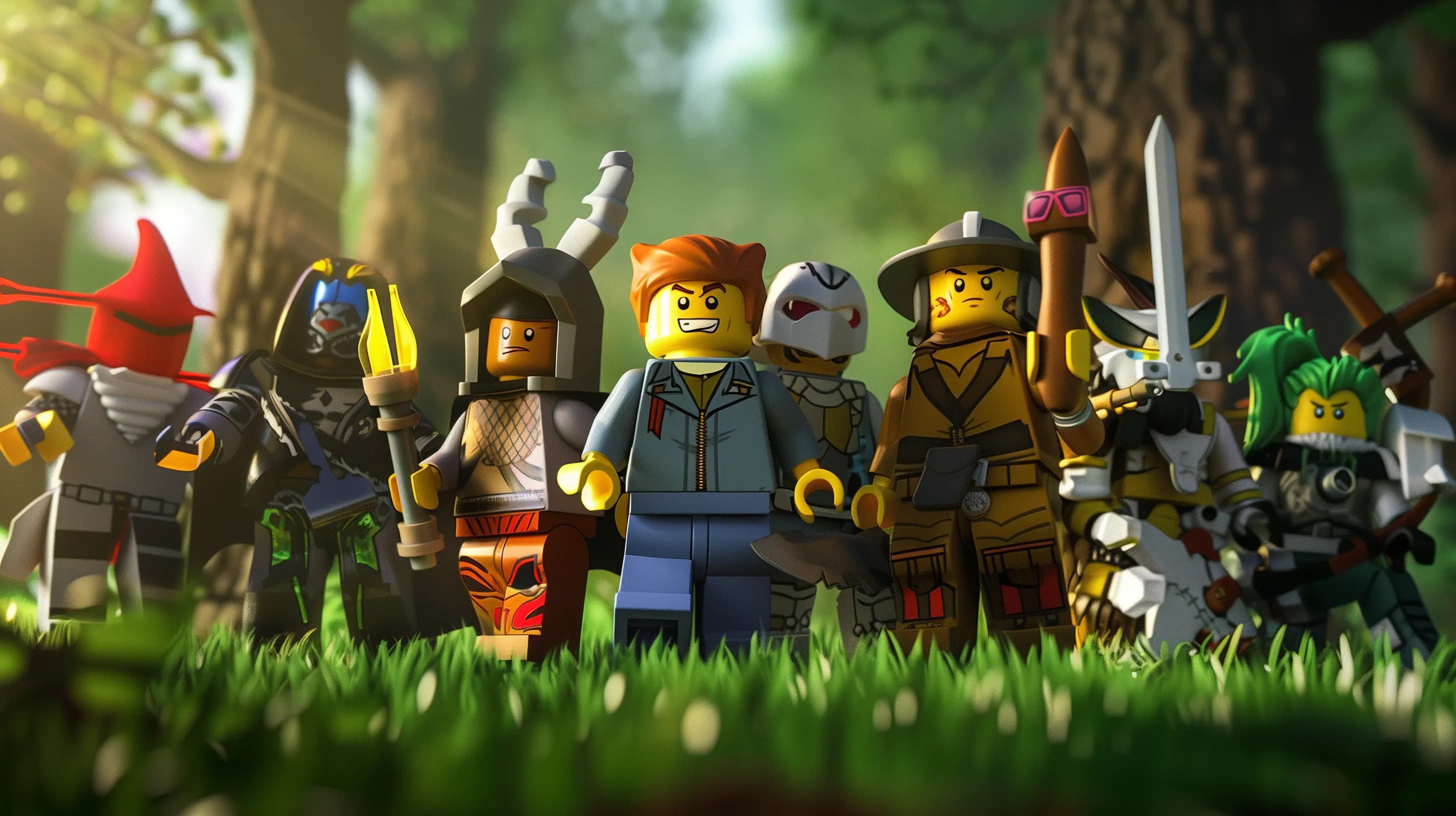
Robux can go on avatar items, game passes and in-experience purchases, and most of those purchases are final. This guide shows what each one gives you, how to judge a game pass before you pay, and how to keep a budget with Roblox's own spending controls.
Contents
- What you can buy with Robux
- Roblox game pass vs avatar items: which is worth it?
- How to judge a game pass before you buy
- How to spend Robux wisely with a budget
- Free Robux sites are scams
- Frequent questions about spending Robux
- What is the best thing to spend your Robux on?
- What should I buy with a small amount of Robux?
- Can I get Robux back after a purchase?
- Roblox gift cards on Mas4Games
The best thing to buy with Robux is the thing you will still use next month. For most players that is one game pass in the experience they play most, or an avatar item they will wear everywhere. Purchases on Roblox are generally final, so a minute of thought before each one protects your balance better than any trick for getting more Robux.
What you can buy with Robux
Robux is the currency of the whole platform, and it is spent in four main places.
- Avatar items. Clothing, accessories, hair, bundles, emotes and animation packs from the Marketplace. They belong to your account and follow your avatar into nearly every experience.
- Game passes. A one-time purchase inside one experience that gives a lasting perk there: a VIP area, extra storage, double coins, a special tool.
- In-experience purchases. Coins, gems, boosts, crates, revives. Unlike a pass, these can be bought again and again, and they are gone once used.
- Access. A few experiences charge Robux to enter, and some private servers carry a monthly fee.
Roblox Premium is different. It is a monthly subscription paid with money, not with Robux. It adds a set amount of Robux to your account every month and unlocks a few extras such as trading. It makes sense only if you would buy Robux every month anyway.
Roblox game pass vs avatar items: which is worth it?
Neither is better in general. It depends on how you play.
Avatar items suit you if you move between many experiences, spend time in social or roleplay games, or simply enjoy how your character looks. One good outfit is visible in everything you play. The risk is fashion: an item bought because everyone has it this week is often the one you stop wearing.
A game pass suits you if you play one experience for hours every week. A pass that doubles your earnings or removes a daily annoyance pays you back each session. The risk is leaving: when you stop playing that experience, the pass is worth nothing, because it does not move to another one.
In-experience purchases last the shortest time. A boost is used up almost as soon as you buy it. They are fine now and then, but this is where most Robux disappear without the player noticing.
A quick way to decide:
- You play socially or roleplay: avatar first.
- You grind one experience: one or two passes there, and little else.
- You jump between new experiences every week: keep your Robux until one of them holds you.
How to judge a game pass before you buy
- Play first. Give the experience a week without paying. Many passes look essential on day one and pointless on day seven.
- Read what it really gives. A clear description says exactly what you get. If you cannot tell what the pass does, do not buy it.
- Check that it is a pass. A pass is bought once and stays. An item you can buy repeatedly is a consumable, even if it is sold in the same menu.
- Ask what it replaces. A pass that saves an hour of boring repetition is good value. A pass that skips the part of the game you enjoy is not.
- Look at the experience itself. Is it still updated? Are people playing? A pass in an abandoned experience is lost Robux.
- Wait a day. If you still want the pass tomorrow, buy it. If you have forgotten it, you have saved the Robux.
Avatar items deserve the same patience. Add the item to your favorites instead of buying it at once, use the Try On preview to see it on your own avatar, and look through the free items in the Marketplace first.
How to spend Robux wisely with a budget
Roblox gives you the tools. Use them.
- Check your transactions. Your account has a transactions page that lists every Robux you have spent. Read it once a month to see where the balance goes.
- Set a spending limit. In Parental Controls, a parent can link their own account to a child's, set a monthly spending limit and turn on spending notifications. These are Roblox's own settings.
- Protect the account. Turn on 2-Step Verification. A stolen account loses its Robux and its items together.
- Use a fixed amount. A gift card is a set sum with no bank card stored on the account. When it is spent, it is spent, which makes it a natural budget.
Free Robux sites are scams
There is no Robux generator. Robux reach an account in only a few ways: you buy them on Roblox, you redeem a Roblox gift card, you receive the monthly Premium amount, or you earn them as a creator by selling items or passes.
Every site, video or "experience" that promises free Robux wants something else: your password, a login code, a survey filled in or an app installed. Nobody from Roblox will ever ask for your password.
If an offer needs your password or asks you to paste something into your browser, close the page. That is how accounts are taken.
Frequent questions about spending Robux
What is the best thing to spend your Robux on?
Something permanent that you will use often: a game pass in your main experience, or an avatar item you will keep wearing. Leave consumables for last.
What should I buy with a small amount of Robux?
One thing, not five. A single inexpensive avatar item or emote you like is better than several boosts that are over in an afternoon. If nothing is worth it yet, keep the balance and add to it later.
Can I get Robux back after a purchase?
Do not count on it. Purchases are generally final, so treat every one as permanent before you confirm.
Roblox gift cards on Mas4Games
When you need Robux, a gift card keeps things simple and limited to the amount you chose. Mas4Games sells Roblox gift cards as codes. You redeem the code yourself on Roblox's own redeem page, signed in to the account that should receive it, and the value goes to that account for Robux. The code is shown on the order's page in your account and is also sent by email, and the help center has live support.