

Free Fire on PC: How to Play with an Android Emulator
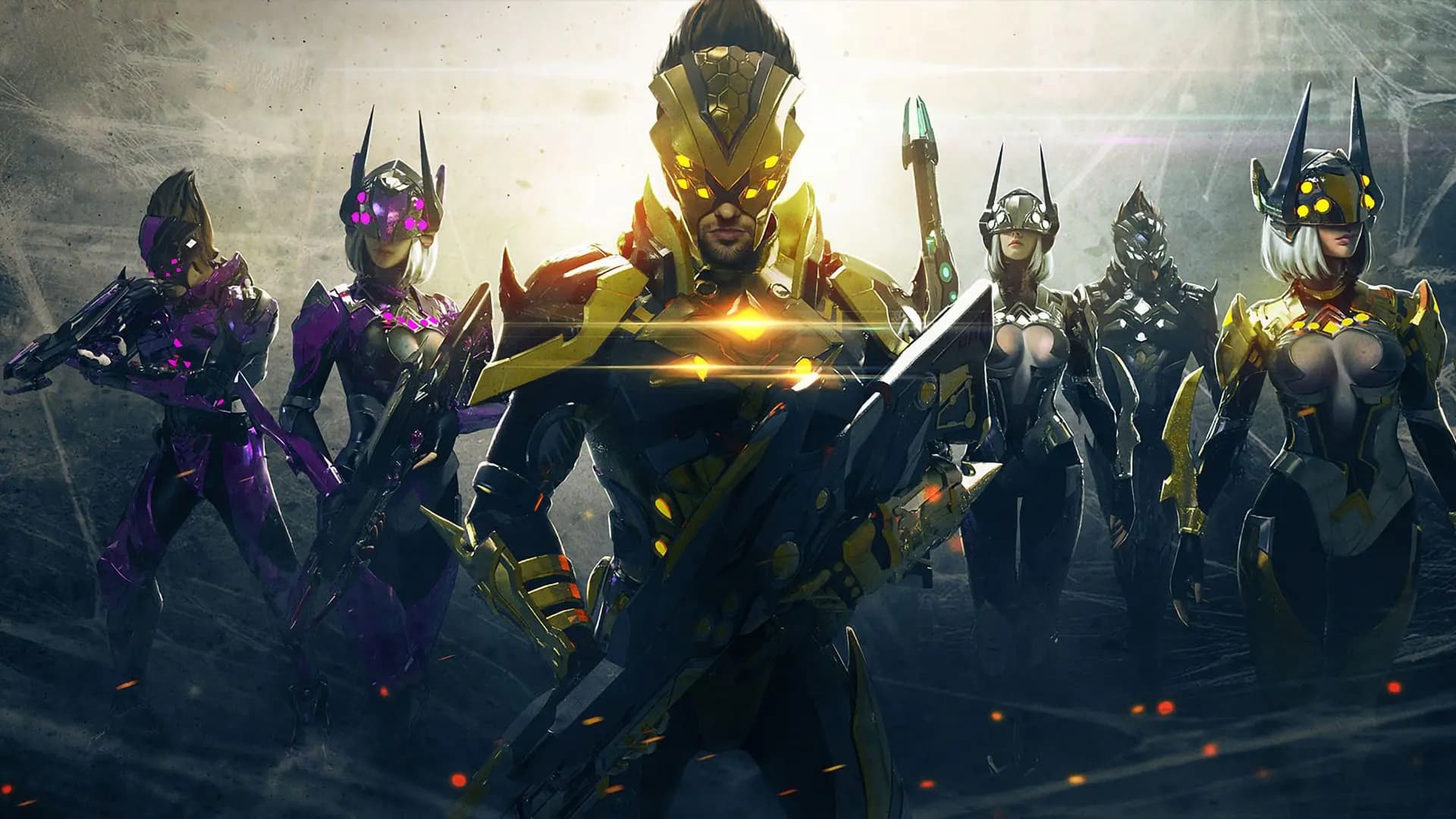
Free Fire has no Windows version, but it runs well on a computer through an Android emulator. This guide covers what your PC needs, the install steps, keyboard and mouse controls, who you are matched against, and what happens to your account and your diamonds.
Contents
- Is there a Free Fire PC download?
- What your computer needs
- How to play Free Fire on PC, step by step
- Free Fire on PC with keyboard and mouse
- Who you play against on an emulator
- Settings for steady frames
- Frequent questions
- Can I play Free Fire on PC without an emulator?
- Will my account be banned for using an emulator?
- Can I play Free Fire on a low-end PC?
- Your diamonds follow the account, on PC too
You can play Free Fire on PC, but not as a Windows game. Garena publishes Free Fire for Android and iOS, so on a computer it runs inside an Android emulator, a program that runs phone apps on Windows. You install the emulator, download the game from the app store inside it, sign in with the account you use on your phone, and play with a keyboard and mouse against other emulator players.
Is there a Free Fire PC download?
Not as a separate game. There is no Windows installer from Garena, so the real Free Fire PC download has two parts: an Android emulator from its own official website, and then the game itself from Google Play inside the emulator.
Search results are full of files that claim to be "Free Fire for PC without an emulator". They do not come from Garena. At best they are an emulator under another name. At worst they carry malware, or a modified copy of the game that gets your account banned.
Download the game only from the app store inside the emulator. An APK from a download site may be a modified client, and Garena bans accounts that use modified clients.
What your computer needs
Free Fire is light on phones, but an emulator runs a whole Android system on top of Windows. Each emulator lists its minimum requirements on its download page. For smooth matches, expect to need:
- A 64-bit version of Windows 10 or 11.
- 8 GB of memory. With 4 GB the emulator and Windows compete for it, and the game stutters.
- A processor with at least four cores, with virtualization (VT) turned on in the BIOS. Emulators are much faster with it.
- Free space on an SSD for the emulator, the game and its updates.
How to play Free Fire on PC, step by step
- Download an Android emulator from its official website and install it.
- Open the emulator and sign in to Google Play with a Google account, as on a new phone.
- Search for Free Fire in Google Play and install it.
- Start the game and let it download its extra files.
- On the login screen, choose the same sign-in method that your account is linked to on your phone, for example Google or Facebook. Your level, rank, characters and diamonds appear as you left them.
- Before your first match, set up the controls and the graphics. Both are explained below.
If you play as a guest on your phone, link the account there first. A guest account is saved on the phone itself and will not follow you to the computer.
Free Fire on PC with keyboard and mouse
Emulators map the buttons on the screen to keys, and most of them come with a ready layout for Free Fire. The usual pattern is the one from PC shooters: W, A, S and D to move, the mouse to aim, the left button to fire.
Open the emulator's key mapping editor before you play. Check three things there:
- Which key frees the mouse pointer for menus and loot.
- Which key places the Gloo Wall, because you will need it without thinking.
- Whether any button you use on the phone has no key yet. Drag a key onto it and save the layout.
Aiming with a mouse is not like aiming with a thumb, so spend some time in the training grounds before ranked matches. The feel comes from the mouse speed (DPI) and the sensitivity inside the game together, so change one at a time. Our guide to Free Fire sensitivity settings explains each slider.
Who you play against on an emulator
Free Fire knows when it runs on an emulator, and it matches emulator players with other emulator players. This protects phone players, since a mouse aims faster than a thumb. It also means your matches on PC are harder than the ones you know: everyone has a mouse.
A friend on a phone can still join your team. The whole team then plays in emulator matches, so tell your friends before you invite them.
Tools that hide the emulator to reach phone lobbies are cheats, and so are macros and scripts that fire or drag for you. Accounts are banned for both.
Settings for steady frames
In the emulator's own settings, give it more processor cores and more memory if your PC has them, and start with a moderate resolution. If the game stutters, lower the resolution one step before you change anything else.
In the game's settings, set the graphics to Smooth or Standard. Steady frames win more fights than shadows do. Close your browser and other heavy programs before you play, because the emulator needs the memory they hold.
Frequent questions
Can I play Free Fire on PC without an emulator?
No. Free Fire is built for Android and iOS, and Windows can run it only through software that runs Android apps. A file that promises the game on PC with no emulator is not from Garena.
Will my account be banned for using an emulator?
Playing the normal game from the app store on an emulator is not cheating, and the game has its own matches for it. Bans come from modified game files, scripts, macros and tools that hide the emulator.
Can I play Free Fire on a low-end PC?
Yes, within limits. Install the standard Free Fire, not Free Fire MAX, which shares the account but has heavier graphics. Lower the emulator's resolution, set the graphics to Smooth and close everything else. A PC with very little memory cannot run an emulator well, and a phone will give you a better match.
Your diamonds follow the account, on PC too
Diamonds belong to your account, not to your phone. A top-up by ID therefore works the same for an emulator player. Open your profile in the lobby, copy the player ID under your name, and the diamonds appear wherever you sign in next.
On Mas4Games you can top up Free Fire diamonds by player ID for global accounts, or buy a code that you redeem yourself. The store asks only for your player ID, never for your password. If you have not done it before, our guide to a Free Fire top-up by player ID shows each step.