

Free Fire Beginner Guide: Your First Hours Made Simple
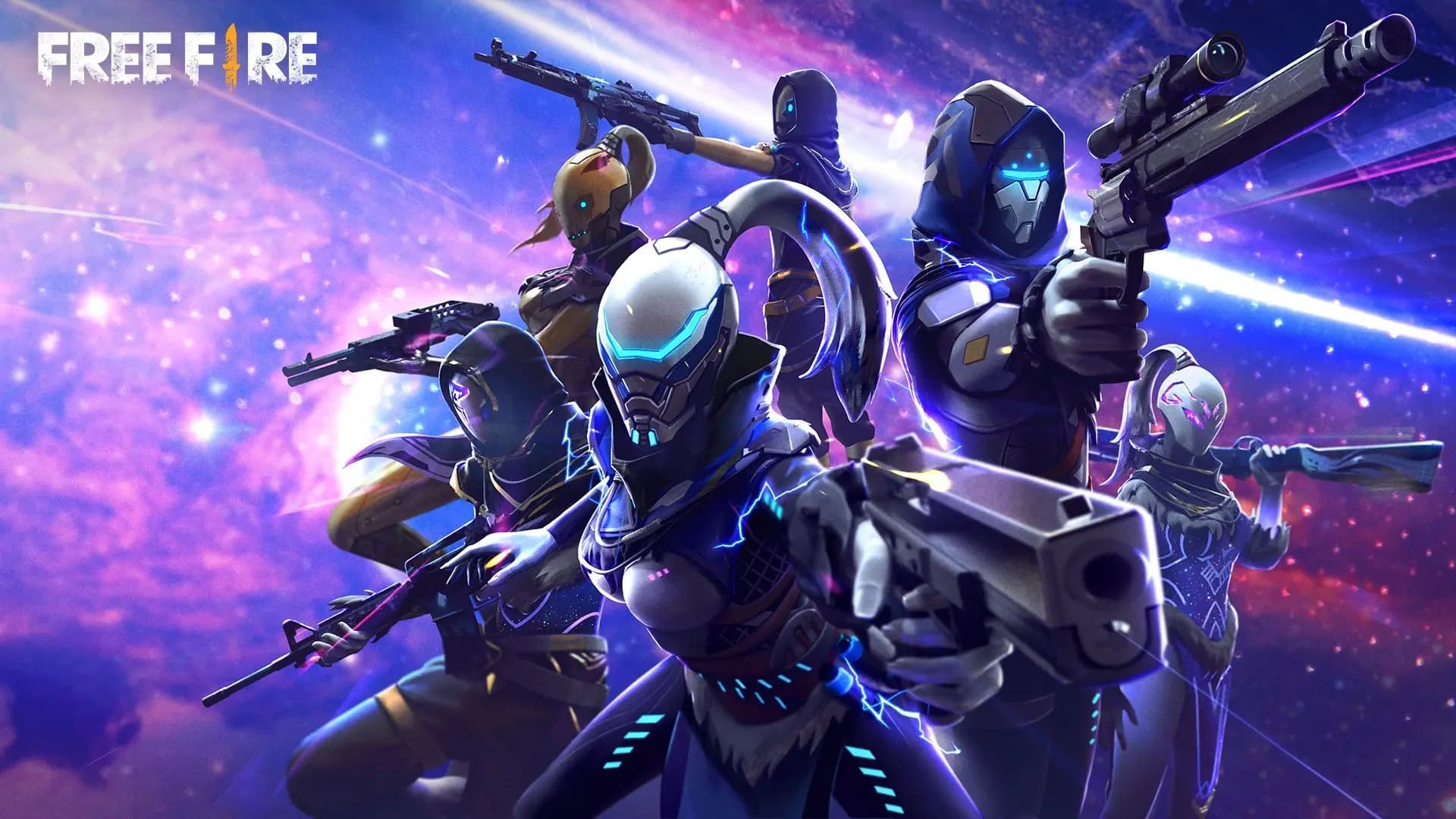
A plain walk through your first hours in Free Fire: how a match flows, which mode to start in, how to set up the controls, what characters and pets are for, and how to link your account so your progress is never lost.
Contents
- How to play Free Fire: the match and the modes
- The flow of a match
- Which mode to start in
- Free Fire beginner guide to the controls
- Characters and pets: the idea in two minutes
- Link your account so nothing is lost
- Free Fire tips for beginners that pay off fast
- Frequent questions
- Is Free Fire free to play?
- Can I play Free Fire without internet?
- How do I play Free Fire with friends?
- Can I play Free Fire on PC?
- Diamonds, when you are ready for them
A Free Fire beginner guide fits in one sentence: learn the flow of a match in casual games, set up the controls for your own hands, understand what characters and pets do, and link your account before anything can happen to it. Free Fire is a Battle Royale game published by Garena. Up to 50 players land on an island, and the last player or team alive wins.
How to play Free Fire: the match and the modes
The flow of a match
Every Battle Royale match follows the same path. Once you know it, nothing in a match surprises you.
- You start in a plane that crosses the map. Open the map, choose a landing spot and jump. For your first matches, pick a small group of buildings away from the plane's path, where fewer players land.
- On the ground, grab a weapon first, then a vest and a helmet, then ammo and Med Kits.
- The map shows a safe zone that shrinks as the match goes on. Outside it you lose health, so start moving early.
- As the zone closes, players meet and fights start. Shoot from behind cover. If someone catches you in the open, place a Gloo Wall in front of you. It is a wall you carry as an item, and no other tool in Free Fire saves you as often.
- The last player or team alive gets the Booyah, the game's word for a win.
A match is short, around ten minutes. A bad start costs you little, so use your early matches to try things.
Which mode to start in
- Battle Royale is the classic mode. You can play it Solo, Duo or Squad. Start in the casual queue, not in ranked.
- Clash Squad puts two teams of four against each other in short rounds, and you buy your weapons at the start of each round. You fight all the time, which makes it the fastest aim practice in the game.
- Ranked versions of both modes move your rank up or down with your results. Leave them until the controls feel natural.
Squad is the kindest place to learn. When you are knocked down, a teammate can help you up, and you can watch what better players do. The game also has a training area where you can test every weapon with nobody hunting you.
Free Fire beginner guide to the controls
The default layout works, but it was made for every hand at once. Ten minutes here pay off in every match after.
- Open Settings, go to Controls and open Custom HUD.
- Drag each button to a place your thumbs reach without stretching. Many players enlarge the fire button and move the jump and crouch buttons closer to it.
- Save, then test the layout in the training area before you take it into a real match.
A few basics while you are there. Your left thumb moves the character, and pushing the joystick up makes you sprint. Your right thumb looks around, aims and fires. Keep the aim precision option on Default for now, because it gives you the most help in keeping the crosshair on a target.
If your aim feels too fast or too slow, change the sensitivity a little at a time and play a few matches before you change it again. If the game stutters, lower the graphics setting. Smooth movement matters more than detail.
Characters and pets: the idea in two minutes
Every character has a skill. Some skills are passive and work on their own, like Kelly, who sprints faster. Others are active: you press a button, the skill runs for a few seconds, then it needs time to recharge. Alok, for example, creates an aura that restores health to him and to nearby teammates.
You are not limited to one skill. Your character has skill slots, and you can fill them with skills from other characters you own. That is how players build combinations for rushing, for sniping or for supporting a squad. Some characters are bought with gold, which you earn just by playing, and others cost diamonds.
Do not spend anything in your first days. Play, notice whether you like to rush or to stay back, then choose. Our guide to the best Free Fire characters and skill combinations explains which skills fit which style.
A pet follows you into the match and brings one small skill of its own. Think of it as the last piece: choose it after your character, to cover what the character does not. The guide to the best Free Fire pets goes through the useful ones.
Link your account so nothing is lost
Many new players start as a guest. A guest account lives on that one phone. If you delete the game, reset the phone or buy a new one, the account can be gone, with every character and skin on it.
Linking takes a minute:
- Open the game and tap the settings icon in the lobby.
- Find the option to bind your account.
- Choose one of the platforms the game offers, such as Google, Facebook or Apple, and sign in.
- From now on, log in with that platform on any phone and your account is there.
Pick a platform account you will still be using years from now, and protect it with a strong password and two-step verification. Changing the linked platform later is not simple.
Never give your Free Fire login to anyone. Your player ID is safe to share. Your password is not.
Your player ID is the number on your profile. A friend needs it to add you, and it is all a store needs for a top-up by ID.
Free Fire tips for beginners that pay off fast
- Land away from the crowd until you win most of your early fights.
- Pick up every Gloo Wall you see and keep some for the end of the match.
- Heal behind cover, never in the open.
- After you shoot from one spot, move. Players aim at the place where they last saw you.
- Play with headphones. Footsteps tell you where an enemy is before you see them.
- Stay close to your squad. A teammate who is far away cannot help you up.
- Play a few Clash Squad matches every day for aim practice.
Frequent questions
Is Free Fire free to play?
Yes. The download and every mode are free. Diamonds are optional: they buy characters and cosmetic items, and you need none of them to start.
Can I play Free Fire without internet?
No. Every match runs on the game's servers, so you need a stable connection. A weak one causes lag even on a good phone.
How do I play Free Fire with friends?
Add your friend from the friends list using their player ID or name, then invite them to your team in the lobby before you press Start. Both accounts need to be on the same server.
Can I play Free Fire on PC?
Free Fire is a mobile game. Players who want a bigger screen run it on a computer through an Android emulator.
Diamonds, when you are ready for them
You can learn everything above without spending anything. Later, when you know which character or look you want, Mas4Games offers Free Fire diamonds by player ID for global accounts, as well as codes. For a top-up by ID the store asks only for your player ID, never your password. If you get stuck, the help center has live support.